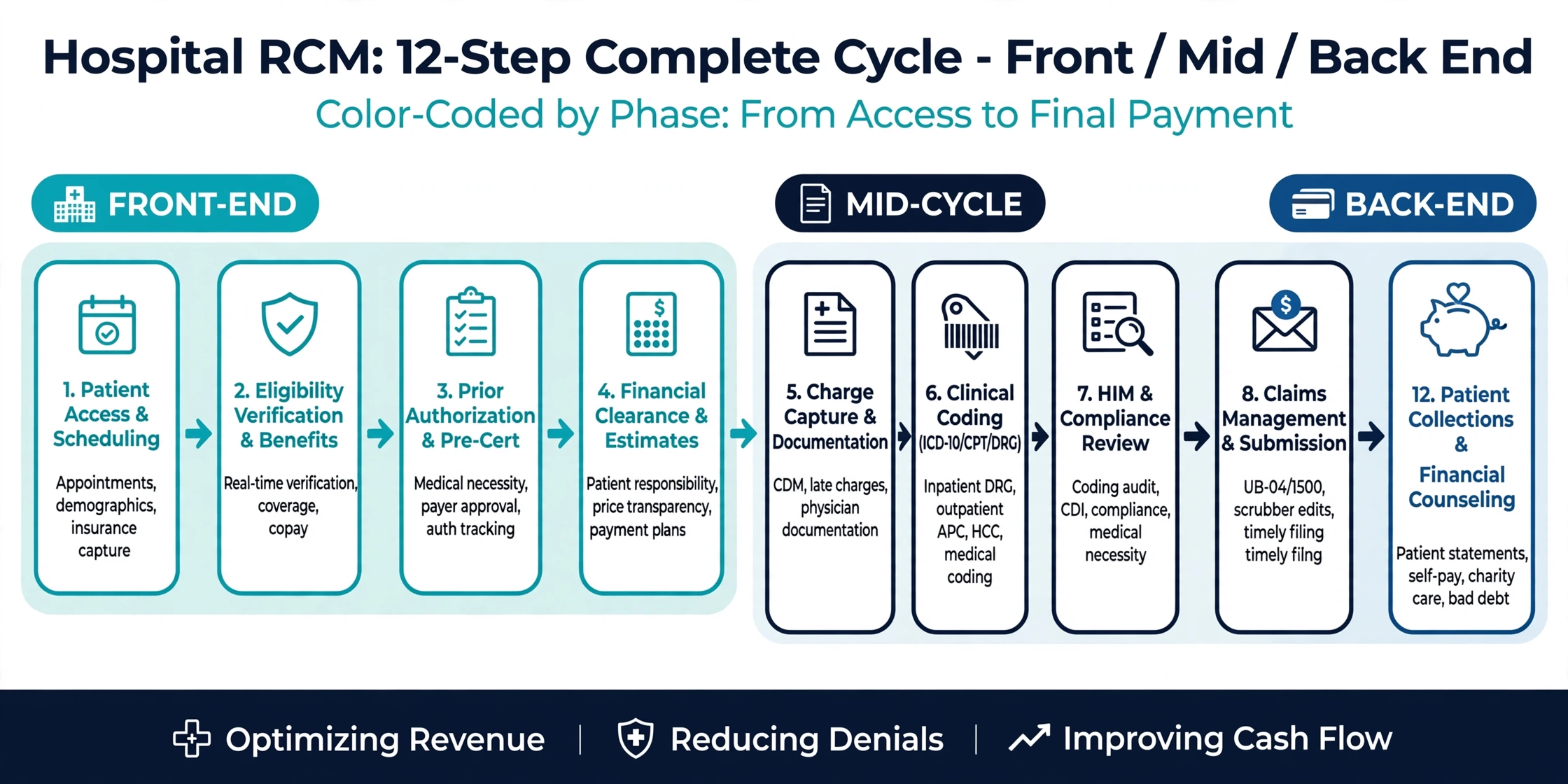
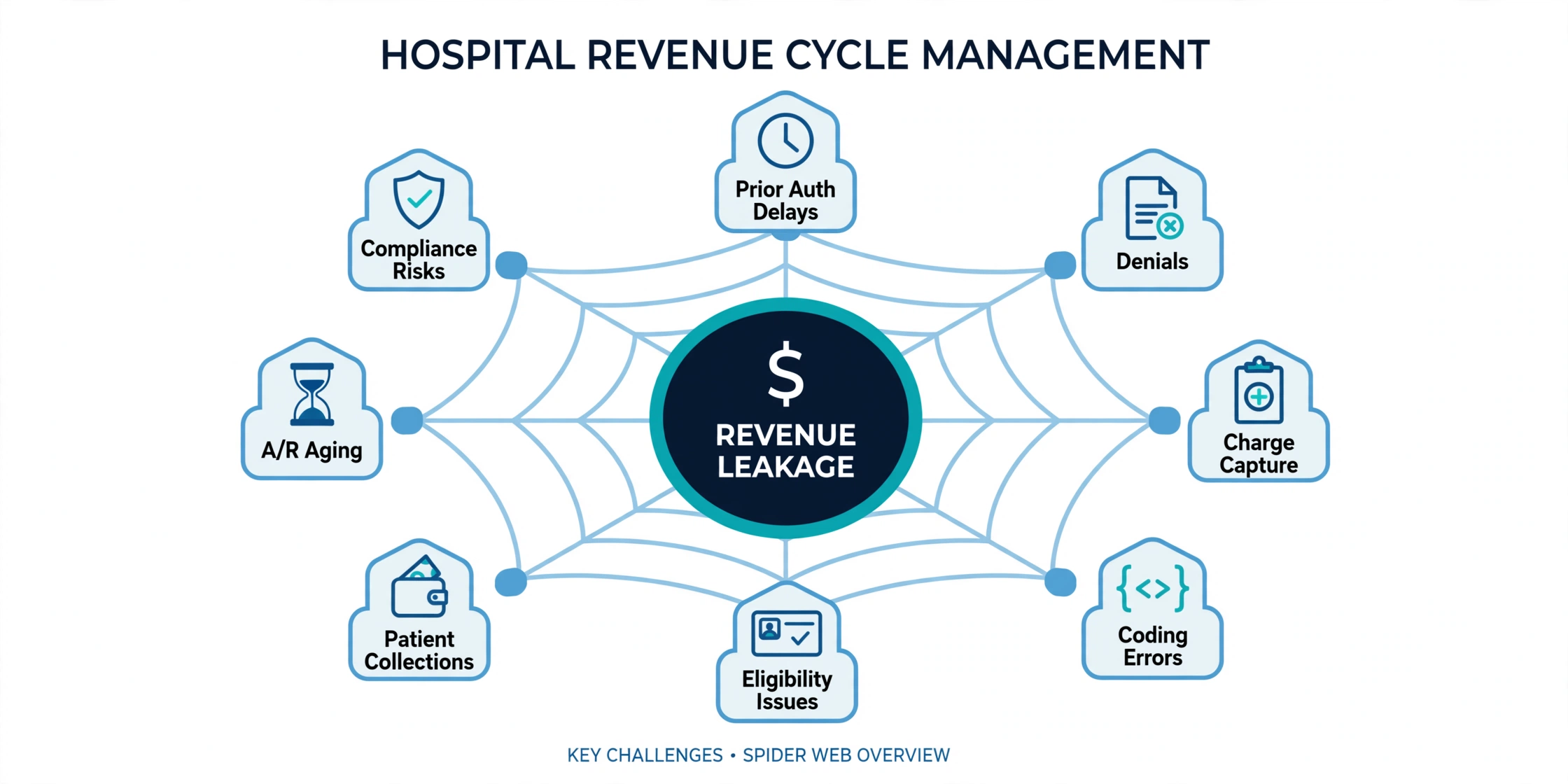
Our Hospital RCM services help healthcare organizations optimize revenue through accurate coding, claims management, compliance support, and denial prevention. We streamline complex hospital billing workflows to improve reimbursements, reduce revenue leakage, and support long-term financial performance.
Availity isn’t an insurance company — it’s the multi-payer portal your front desk is probably already using to check eligibility with Humana, Aetna, Cigna, Molina, Ambetter, and dozens of other payers, all through one login. Understanding how to use it well matters just as much as understanding any single payer’s rules, since a large share of your daily verification work likely runs through it.
This guide walks through what Availity Essentials actually does, how to run an eligibility check correctly, and where its limitations mean you’ll still need to go straight to the payer.
Availity Essentials is a free, web-based provider portal that connects to hundreds of health plans, letting your team check eligibility, submit claims, request authorizations, and review remittance information for multiple payers in one place. Instead of separate logins for every insurance company your practice bills, staff use a single Availity account to work across them.
It’s important to be precise about what this means for verification: Availity doesn’t have its own coverage, copays, or benefit rules. Every eligibility response it returns is pulled in real time directly from the specific payer, so the accuracy of what you see depends entirely on that payer’s own system.
Availity vs. a direct payer portal: Some payers still maintain their own separate portal alongside Availity, and a handful of plans — Medicare Advantage products administered outside Availity’s network, for example — aren’t available through it at all. Knowing which of your payers are fully on Availity and which aren’t is part of setting up an efficient verification workflow.
Availity vs. a 270/271 clearinghouse feed: Availity’s eligibility and benefits inquiry function is essentially a user-friendly front end for the same 270/271 electronic transaction your
A large share of front-end verification errors come down to reading an Availity response too quickly — checking that a contract shows active without actually opening the benefit details underneath it. The eligibility and benefits inquiry screen displays far more than a single status flag, and most of the value sits in the sections your team scrolls past.
Because Availity aggregates so many payers into one consistent interface, staff can develop bad habits by treating every payer’s response the same way. A field that means one thing for a commercial PPO plan can carry different implications for a Medicaid managed care plan or a Medicare Advantage product, even though both display in the same Availity layout.
Getting comfortable with Availity’s full feature set — not just the eligibility check — also means your team can confirm authorizations, check claim status, and review remittances without switching tools, which keeps front-end and billing work connected instead of siloed.
Start with the patient’s full name, date of birth, and their Patient ID — Availity’s term for the member’s enrollee ID as printed on their insurance card. Having this ready before opening the portal speeds up the patient search considerably.
You’ll also need to know which payer to select, since Availity requires you to choose the specific health plan before running the inquiry — it doesn’t search across all payers at once. If the patient has Medicare and Medicaid together, be aware that Availity typically lists these as separate payers, so you may need to run two inquiries rather than one.
Finally, confirm the date of service you want to check against, since Availity allows benefit checks for a specific date and will display the coverage period information the payer returns for that date.
Start with the contract status bar — active contracts display with a green bar, and inactive contracts display with a red bar. This is the fastest visual check, but it’s only the starting point, not the full picture.
From there, open the Patient Information tab to review coordination-of-benefits details, listed under the Other or Additional Payers section, which tells you whether the plan you’re checking is primary or secondary. Scroll into the benefit details for deductible amounts, copay and coinsurance figures, and any benefit limitations tied to the specific service type you’ve selected.
If a patient’s plan shows as inactive, Availity generally gives you next steps directly in the interface rather than leaving you to guess — follow those prompts before assuming the coverage is genuinely terminated.
Use our complete Availity eligibility verification checklist to confirm patient coverage, effective dates, plan benefits, network details, deductibles, copays, coinsurance, and payer-specific requirements before services are provided. We help you capture the right eligibility information upfront so you can reduce verification errors, prevent avoidable denials, and improve billing accuracy.
| Verification Item | What to Check | Why It Matters | Action Required |
|---|---|---|---|
| Contract status | Green (active) or red (inactive) bar | Fastest initial signal, but not the full answer | Confirm before moving to benefit detail |
| Patient ID match | Enrollee ID matches the card exactly | Wrong ID returns no result or the wrong plan | Re-verify against the physical card |
| Payer selection | Correct plan selected before running inquiry | Availity checks one payer at a time | Confirm which specific plan applies |
| Date of service | Inquiry run against the correct DOS | Coverage can differ by date | Set the date before submitting |
| Coordination of benefits | Other/Additional Payers section | Determines primary vs. secondary billing order | Review even when not expecting other coverage |
| Deductible/copay/coinsurance | Full benefit detail, not just status | Needed for accurate patient collection | Open benefit details, don't stop at the status bar |
| Benefit limitations | Visit caps, exclusions, service-specific rules | Active status doesn't guarantee coverage | Review service-specific detail |
| Prior authorization/referral | Availability varies by payer within Availity | Not every payer's auth workflow is fully supported | Confirm directly with payer if unclear |
Log in to Availity Essentials. Use your organization’s Availity credentials — if your practice already has an account for one payer, the same login typically works across all participating payers.
Navigate to Patient Registration, then Eligibility and Benefits Inquiry. This is the standard path across most Availity-connected payers.
Search for the patient. Use the Patient Search dropdown to choose your search method — commonly first and last name plus date of birth, or the Patient ID directly from the insurance card.
Select the correct payer. Confirm you’re checking the specific health plan shown on the patient’s card, since Availity requires a payer selection before returning results.
Set the date of service. Enter the date you’re checking coverage against, since responses can differ by date.
Review the contract status bar. Confirm green (active) or red (inactive), and follow any next-step prompts if the plan shows inactive.
Open the full benefit details. Don’t stop at the status bar — review deductible, copay, coinsurance, and any benefit limitations tied to the specific service.
Check coordination of benefits. Review the Other or Additional Payers section under Patient Information to confirm primary/secondary status.
Check authorization or referral status if available. Availability of this feature varies by payer, so confirm directly with the payer if Availity doesn’t show it.
Document the verification. Note the date, payer, coverage status, and any reference information for your records.
We compare Availity, direct payer portals, and clearinghouse 270/271 transactions so you can understand how each method supports real-time eligibility, benefit, and coverage verification. You can use this comparison to choose the right workflow for your practice based on payer access, response detail, automation needs, and verification efficiency.
| Verification Method | Best Use | Information Available | Advantages | Potential Limitations |
|---|---|---|---|---|
| Availity Essentials | Daily checks across most payers | Eligibility, benefits, claims, some authorizations | One login, consistent format, no cost | Not every payer or plan type is fully supported |
| Direct payer portal | Payer-specific tools not on Availity | Full payer-specific detail | Complete access to that payer's own tools | Separate login per payer |
| Clearinghouse 270/271 feed | High-volume automated checks | Structured eligibility and benefit data | Integrates directly into PM/EHR | Less visual clarity than Availity's interface |
| Phone verification | Complex or unclear cases | Full detail from a live representative | Human clarification available | Slower, higher cost per transaction |
Reading only the contract status bar and skipping the benefit detail underneath it is the single most common mistake — a green “active” bar tells you almost nothing about deductibles, copays, or benefit limits.
Running an inquiry against the wrong payer selection is another frequent error, especially for patients with multiple plans or complex Medicare/Medicaid dual coverage, since Availity typically lists these as separate payer entries rather than one combined record.
Assuming every feature is available for every payer is a third common trap. Prior authorization requests, referral submission, and even certain claim tools are being added payer by payer, which means one health plan’s full Availity feature set may look different from another’s.
We help you identify common Availity eligibility problems, including payer connectivity issues, member-data mismatches, incomplete 270/271 responses, outdated coverage details, and benefit information gaps. You can resolve these issues early by validating patient and payer data, confirming unclear responses through the appropriate payer channel, and documenting verified coverage before service.
| Eligibility Problem | What It Means | Claim/Revenue Risk | Recommended Solution |
|---|---|---|---|
| Checked status bar only | Benefit detail never reviewed | Missed deductible, copay, or limitation info | Always open full benefit details |
| Wrong payer selected | Confused with a similarly named plan | Incorrect or missing eligibility result | Confirm exact payer from the card before running |
| Missed dual coverage | Medicare/Medicaid listed separately, only one checked | Incomplete COB picture, billing order errors | Run inquiries for both listed payers |
| Assumed feature availability | Payer doesn't yet support auth/referral tools on Availity | Missing authorization confirmation | Confirm directly with payer if a tool seems unavailable |
| Outdated Patient ID | Card or portal used from an old enrollment | Inquiry returns no result | Re-verify against current insurance card |
| Plan not on Availity | Certain products (e.g., some Medicare Advantage plans) route elsewhere | Time wasted searching a portal that won't have the data | Confirm which payers/plans use Availity vs. a separate portal |
When a patient has more than one type of coverage, Availity generally displays each payer as a separate contract rather than merging them into a single view. Coordination-of-benefits information lives under the Patient Information tab, in the Other or Additional Payers section, and this is where you’ll confirm which plan pays first.
This structure matters most with Medicare and Medicaid dual-eligible patients, since Availity lists these separately even though the patient experiences them as one combined benefit. Running both inquiries, rather than assuming one covers the full picture, prevents a common and avoidable coordination-of-benefits error.
Not every payer, and not every plan within a payer, runs through Availity. Some health plans maintain a separate secure portal specifically for Medicare Advantage products or other lines of business that haven’t been fully integrated into the Availity platform.
Prior authorization and referral submission tools are also being rolled out gradually, payer by payer, meaning a feature that works smoothly for one health plan may not yet be available for another inside the same Availity account. When a tool or plan doesn’t appear where you’d expect it, that’s usually a sign to check directly with the payer rather than assuming Availity is malfunctioning.
Registration is free, and most practices designate one Availity administrator who activates the organization’s account and then creates individual user accounts for staff. Multi-TIN support means a single Availity account can manage multiple Tax Identification Numbers and locations, which is useful for multi-location practices or billing companies managing several client accounts.
Availity also offers free training resources, including on-demand demos and webinars, along with a support line for setup or portal questions. Getting your whole front-desk team properly trained on the full feature set — not just the basic eligibility check — pays off quickly in fewer missed benefit details.
We compare in-house and outsourced Availity verification management so you can evaluate staffing demands, portal workflows, response accuracy, exception handling, and overall verification turnaround time. You can choose the right approach to reduce manual workload, resolve eligibility discrepancies faster, and maintain consistent verification before services are provided.
| Area | In-House Team | Outsourced Team | Provider Consideration |
|---|---|---|---|
| Full-feature usage | Often limited to basic status checks | Trained to use benefit detail, COB, and auth tools fully | Fewer missed deductible/copay details |
| Multi-payer consistency | Varies by staff familiarity with each payer's quirks | Standardized process across every Availity-connected payer | More consistent verification quality |
| Awareness of platform limits | May not know which plans route outside Availity | Tracks which payers/plans require a separate portal | Less wasted time searching the wrong system |
| Documentation | Varies by staff member | Standardized across every check | Stronger support if a claim is disputed |
House of Outsourcing runs eligibility verification through Availity Essentials as part of a broader process that also checks payer-specific portals, direct phone verification, and clearinghouse data where Availity alone doesn’t tell the full story. We don’t stop at the green status bar — every check includes a full review of benefit detail, coordination of benefits, and authorization status where available.
Our team also tracks which of your payers require a separate portal outside Availity, so your practice never loses time searching for data in the wrong system. Every verification is documented with reference details your billing team can rely on.
No, Availity is a multi-payer clearinghouse and provider portal that connects to hundreds of health plans, letting providers check eligibility and benefits for many different payers through one login.
No, Availity Essentials is free for providers to register and use.
The status bar only reflects whether the contract is active or inactive. Deductibles, copays, coinsurance, and benefit limitations are found deeper in the response and need to be reviewed separately.
No, some health plans maintain separate portals for specific products, such as certain Medicare Advantage plans, so it’s worth confirming which of your payers are fully supported on Availity.
Availity typically lists Medicare and Medicaid as separate payer contracts, so you’ll generally need to run two inquiries rather than assuming one covers both.
For many payers, yes, but this feature is being added gradually and isn’t universal across every health plan on the platform. Confirm directly with the payer if the option doesn’t appear.
Yes, many practices outsource this specifically to make sure every check goes beyond the basic status flag and includes full benefit and coordination-of-benefits review.
Get a free assessment from our billing experts